
 My Mind Is Ok
Choose the immediate need
Start something, work with worry, step out of a thought loop, protect capacity, prepare for rest or prepare a conversation.
Explore My Mind Is Ok
Tools Studio · Sort
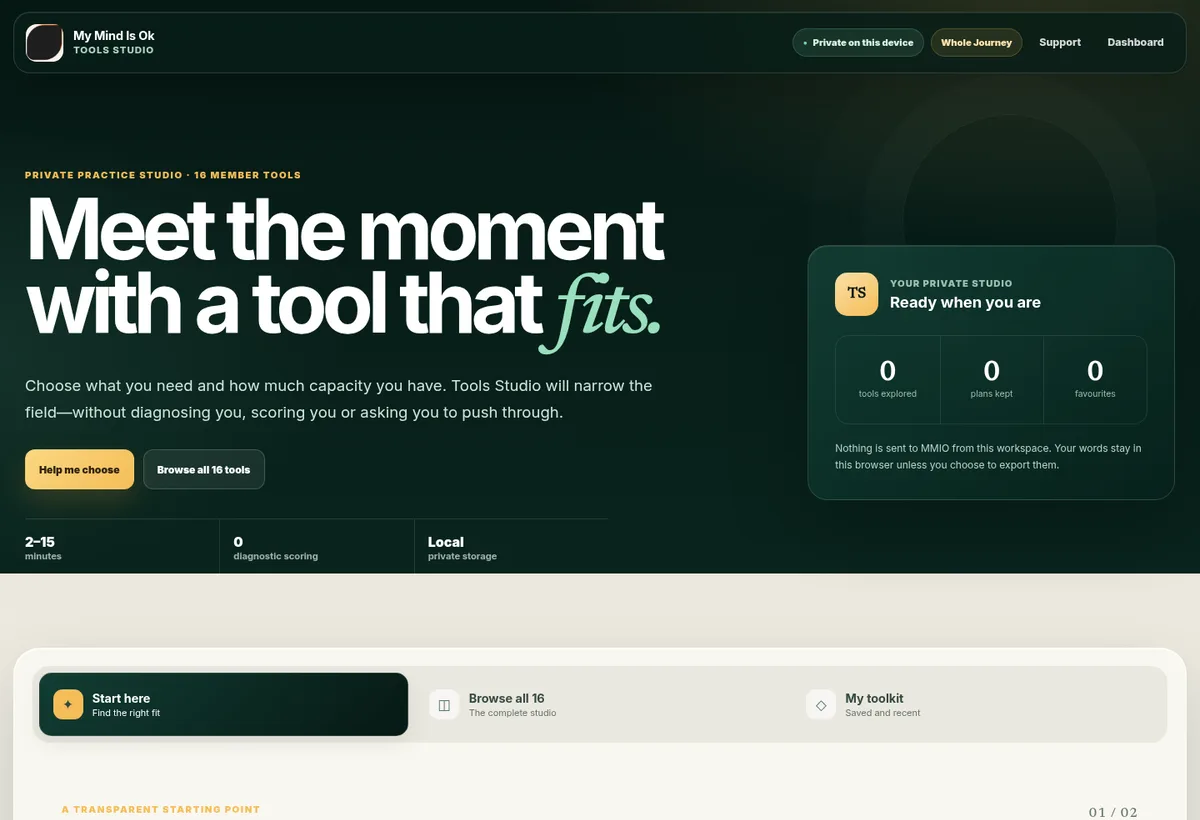
Tools Studio is a premium private workspace for moments when a person knows what is happening but needs help finding words, choices and a next step.

MMIO is an independently operated Australian wellbeing education platform.
The product’s job
When a situation is emotionally loaded, unstructured journalling can become another large task. Tools Studio supplies a frame: the member chooses what they need, how much capacity they have and which prompts to answer. The product does not read between the lines, assign a condition or tell the member what their words “really mean.”
Start something, work with worry, step out of a thought loop, protect capacity, prepare for rest or prepare a conversation.
Essential, Standard and Deeper routes change the amount of work—not the member’s worth or seriousness.
Three suggestions show why they fit. The member can ignore them and browse the complete studio.
A consistent practice structure
Every tool begins by making its purpose, likely time and caution visible. Structured prompts then help the member produce a working frame and a realistic experiment. A final implementation bridge records: When… Then I will… If my capacity is low…
Know what the tool is for, what it cannot do and when another kind of support may be safer.
Answer only the prompts that are useful, with autosave and the freedom to stop.
Translate the exercise into one observable action and a smaller fallback.
Sixteen structured tools
The Action Ladder, Minimum Viable Day, Friction Finder and Restart Ritual help make starting and restarting more concrete.
The Worry Appointment, Thought Distance Lab, Decision Compass and Problem-Solving Table create separation and structure without disputing every thought.
The Emotion Map, Sleep Runway, Capacity Budget and Self-Compassion Switch support noticing and planning without diagnosing body sensations.
The Boundary Builder, Conversation Rehearsal, Repair Room and Values Compass help prepare language, limits and meaningful direction.
The private working toolkit
Drafts save locally while a member works. Useful tools can be favourited, recently used tools remain easy to find, and several plans can be kept for the same tool. The private toolkit can be downloaded as a readable file or cleared deliberately.
Return to unfinished work in the same browser without submitting it to MMIO.
Keep a cue, action and low-capacity version that can be copied when needed.
Favourites and useful plans bring repeatable supports forward without points or streaks.
Privacy and safety
Private writing stays in the current browser and is not sent for AI interpretation. Each tool includes a point-of-use caution—for example, not encouraging direct boundary-setting where coercion or violence makes that unsafe. Selecting “Harder than before” reveals a stop-and-support route rather than pushing the member onward.
How it relates to the wider service
A released Steady Year lesson may point to a relevant tool for rehearsal. A Tools Studio session may suggest a real-world activity. Private writing and locked lesson bodies do not need to move between products for those relationships to be useful.
Choose access
Review which membership includes Tools Studio and begin with the level of structure that suits you.
Display preferences
Text size
Your display choices stay in this browser and are not sent to My Mind Is Ok.